Open Business › Compliance, click Types and New Type (or New from Template). Give it a Name and Code, choose who it applies to (Source), and whether it is Permanent (one-off) or Recurring with how often it expires. Then record each check (see Record compliance checks).
1. Start a type
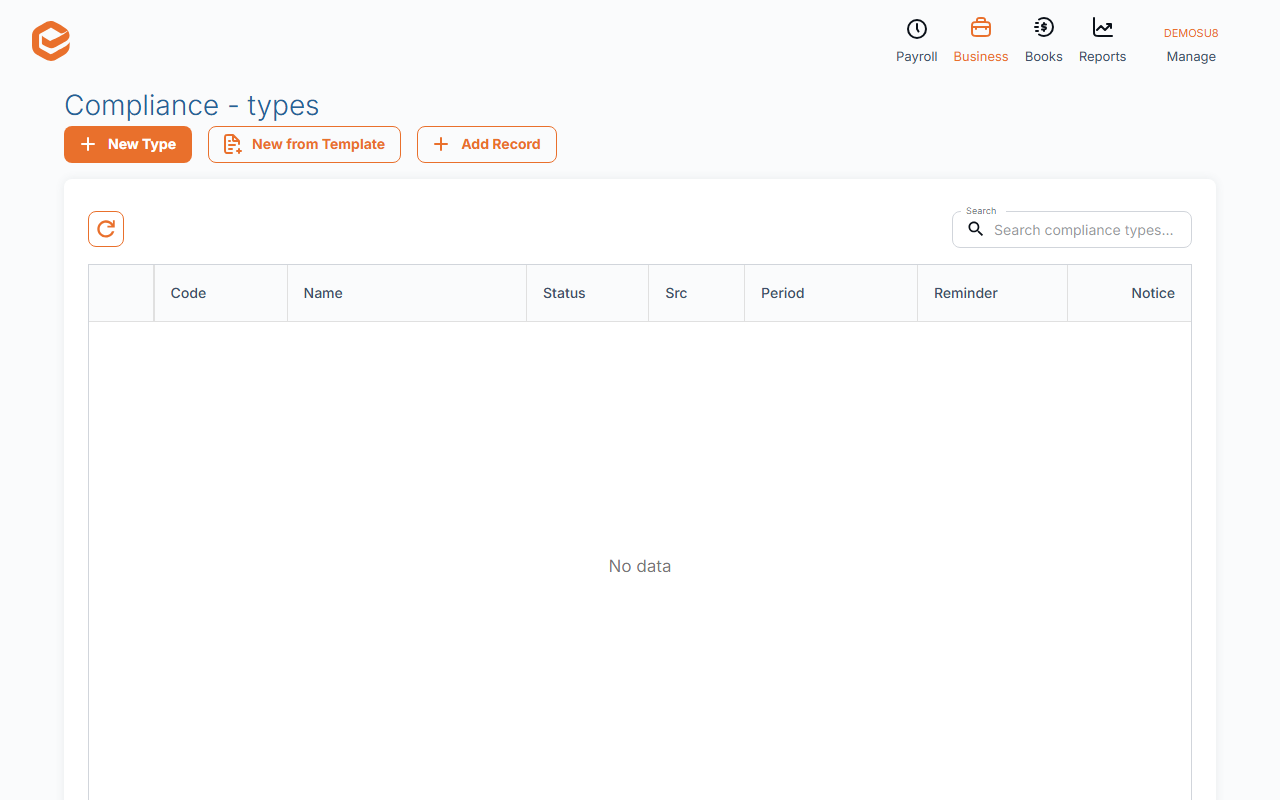
Open Business › Compliance, click Types (Compliance - types) and New Type. New from Template starts from workers compensation or public liability, for contacts or users.
2. Fill it in
- Name and Code (required) - e.g. Public liability insurance, PL.
- Source - who it applies to: customers, suppliers, users, employees or this business.
- Permanent (one-off) or Recurring (required) - whether it expires.
- Expires every and Recurrence - for recurring items, e.g. every 1 year.
- Notes - what to check and where the evidence is kept.
Reminders
A type has reminder settings (Trigger reminder (days before expiry), Send automatic reminders via e-mail, subject and body), but Exacc does not send reminder emails yet. Check the Compliance - records dashboard for what is about to expire.
Related guides
Checked against Exacc on 10 October 2026. Machine-readable version