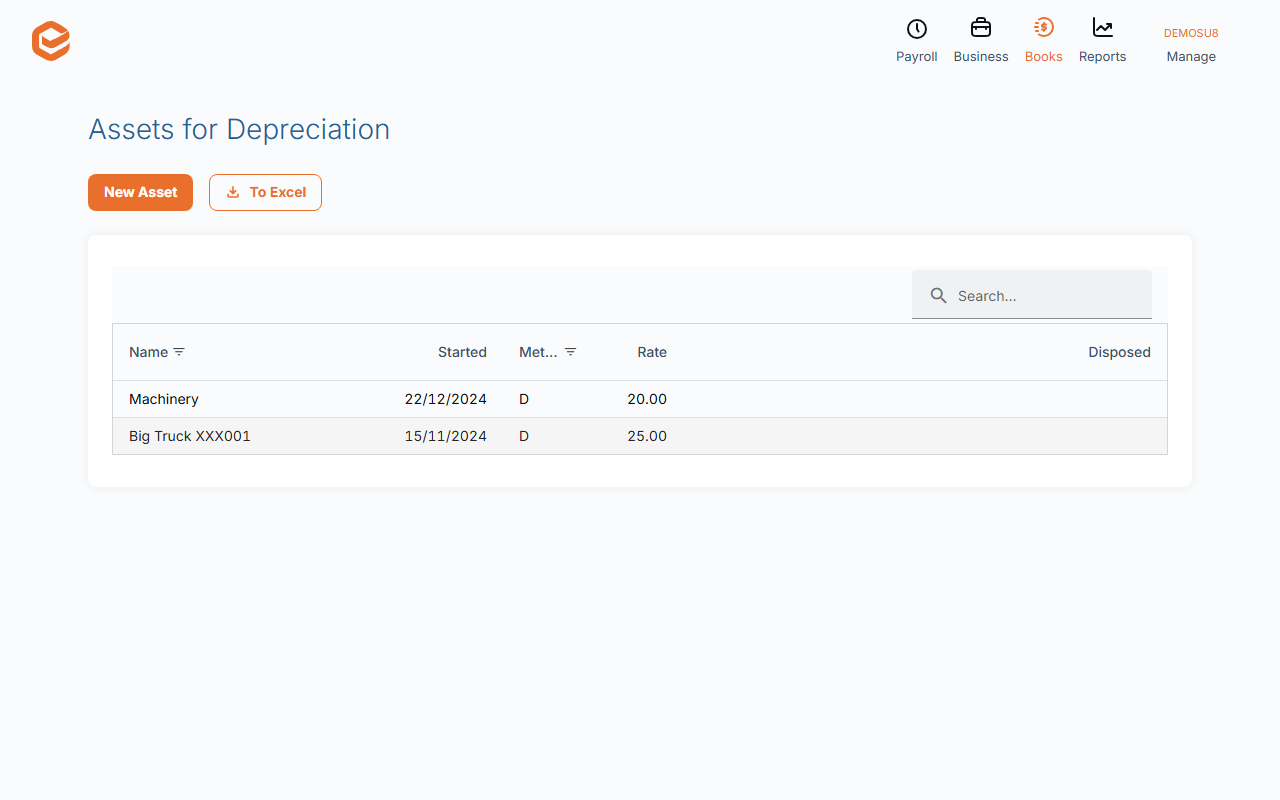
Open Books › + Asset, enter the Asset Name, Start Depreciation on, Total price, the Depreciation base rate (%) and method, and the expense and accumulated depreciation accounts. Exacc builds a monthly schedule. Books › Assets lists them; open one to dispose of it.
1. Add the asset
Open Books › + Asset (or Books › Assets and New Asset):
- Asset Name (required) - e.g. Delivery van.
- Start Depreciation on (required) - the first month to depreciate; a part first month is pro-rated.
- Total price (required) - what the asset cost, excluding GST you can claim.
- Depreciation base rate (%) (required) - the yearly rate, e.g. 20 for five years prime cost.
- Method (required) - prime cost (the same amount each year) or diminishing value (a percentage of what is left; 200% of the base rate for assets from 10 May 2006).
- Debit (expense) account (required) - depreciation expense.
- Credit (acc depr) account (required) - accumulated depreciation.
- Site and Notes - optional.
2. Check the schedule
Exacc posts depreciation monthly. The schedule on the asset shows each date, account, opening written-down value (OWDV) and amount.
3. Change or dispose of it
On the asset, Update Expense Account and Update Site change where future depreciation goes; Dispose asset records its sale or write-off. These are refused in a locked period.
Check with your accountant
Diminishing-value schedules beyond the first year are being checked; ask your accountant to confirm the figures before you rely on them for your tax return.
Related guides
Checked against Exacc on 9 October 2026. Machine-readable version