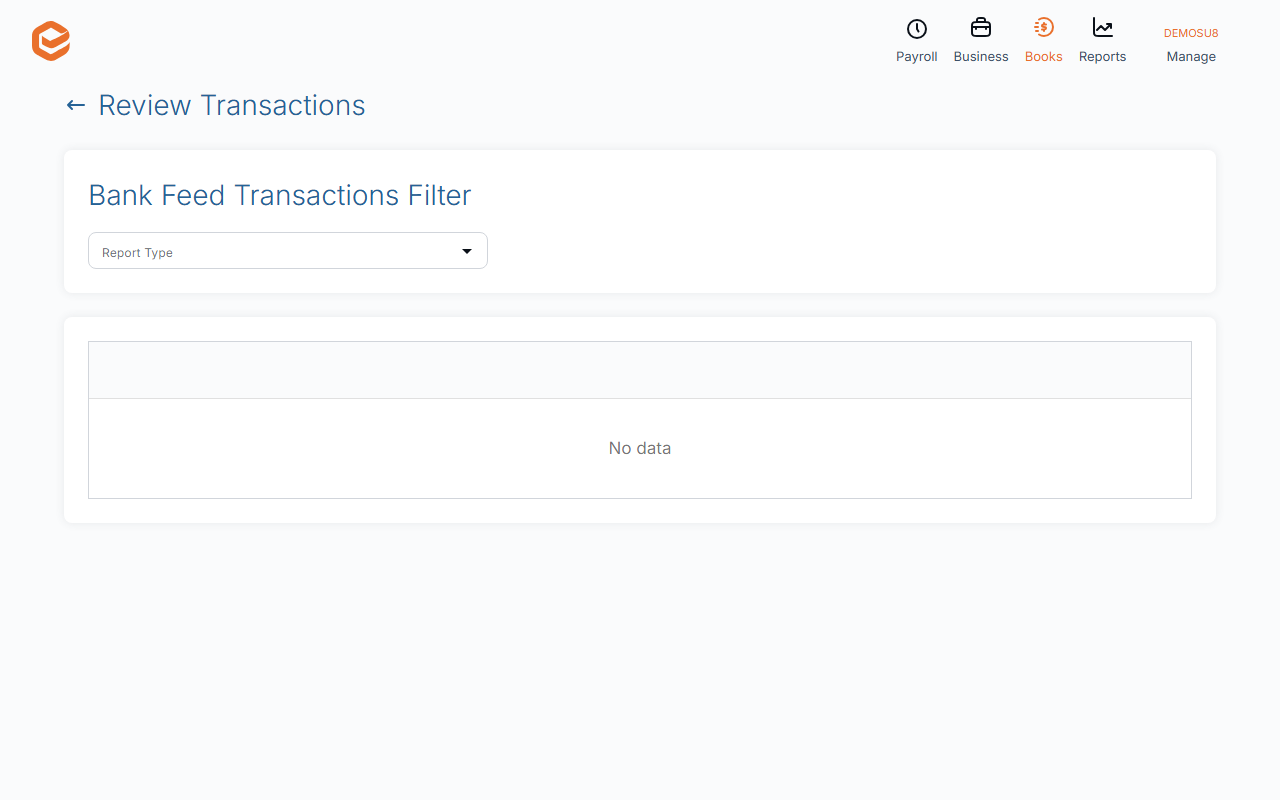
Open Books › Review Transactions and pick a Report Type: Records marked for review, Draft records, Records using suspense account or Records with varied tax amount. Open record on a row takes you to it to fix.
1. Choose what to review
Open Books › Review Transactions and pick a Report Type:
- Records marked for review - lines someone ticked Review on.
- Draft records - journals, invoices, bills and pay runs saved as drafts: they are not in your accounts yet.
- Records using suspense account - money you parked while you found out what it was.
- Records with varied tax amount - lines where the GST was typed by hand.
2. Fix them
Each row shows the date, ID, account, gross, tax, reference and status. Open record takes you to the transaction; fix it there and come back.
Before lodging a BAS
Work through all four lists, then lock the period (see Lock a finished period) so nothing changes after you lodge.
Related guides
- Change many transactions at once (Find & Update)
- Lock a finished period
- Code your bank transactions (process feeds)
- Enter a general journal
Checked against Exacc on 9 October 2026. Machine-readable version