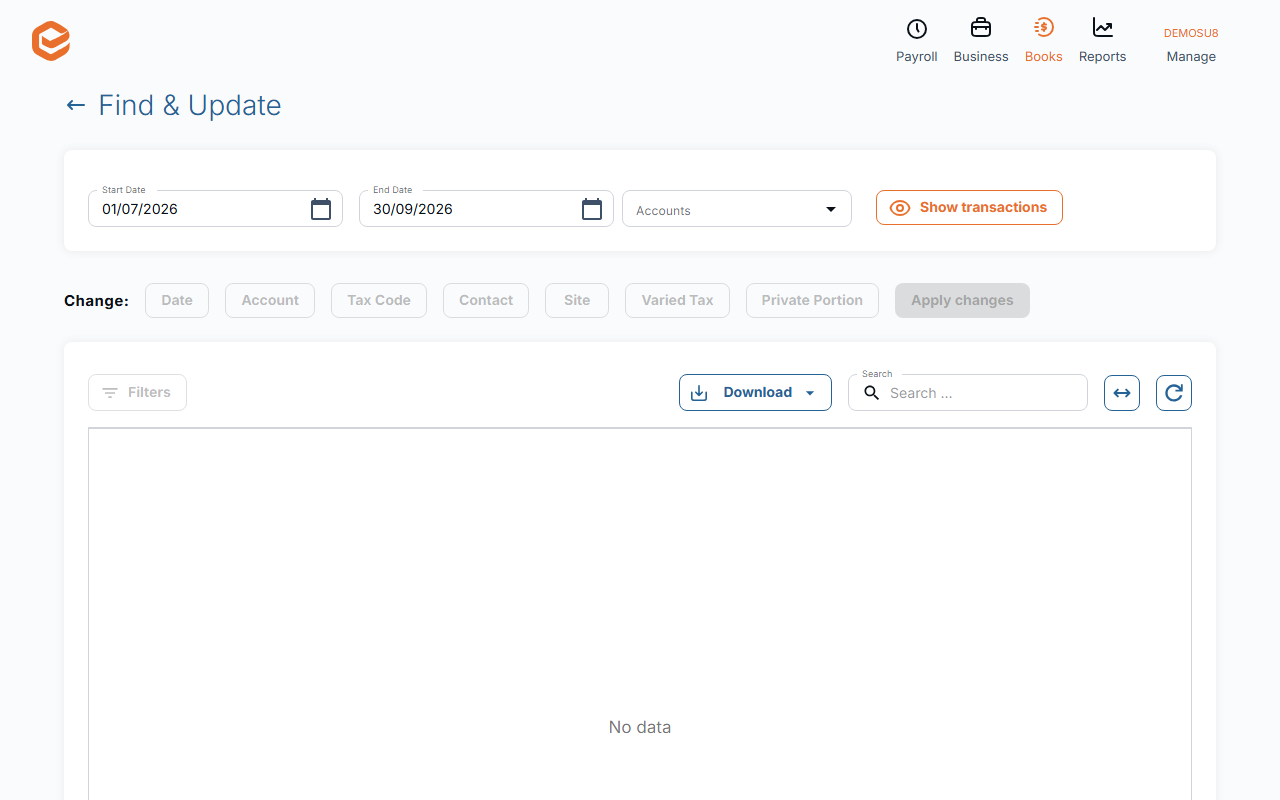
Open Books › Find and Update, choose the date range and Accounts, select the transactions, pick what to Change (Date, Account, Tax Code, Contact, Site, Varied Tax or Private Portion) and click Apply changes. There is no undo, so check the selection first.
1. Find the transactions
Open Books › Find and Update, set the date range and the Accounts to search, and tick the transactions to change.
2. Choose the change
Under Change: pick Date, Account, Tax Code, Contact, Site, Varied Tax or Private Portion and the new value. Total Selected and Selected with impossible actions show how many will change and how many cannot.
3. Apply
Click Apply changes. There is no undo: to go back, run Find & Update again with the old value.
What cannot be changed here
The account is not changed on reconciled lines or lines from a bank feed, and pay run lines take only a new account or site. To change one line of an invoice or bill, edit the invoice or bill itself: changes here are meant for journals and bank transactions.
Related guides
- Review transactions before you report
- Set up your chart of accounts
- GST and tax codes
- Lock a finished period
Checked against Exacc on 9 October 2026. Machine-readable version