Open Reports › Cash Flow - Summary (or Cash Flow - per Account), click Update filters, choose the period and Apply filters. You see Opening balance - cash, cash flow from operating, investing and financing activities, and Closing balance - cash.
Before you start
- Each account's Cash Flow group set in the chart of accounts (bank and cash accounts as cash).
1. Run it
Open Reports › Cash Flow - Summary, click Update filters, set the dates and click Apply filters. Cash Flow - per Account shows the movement account by account.
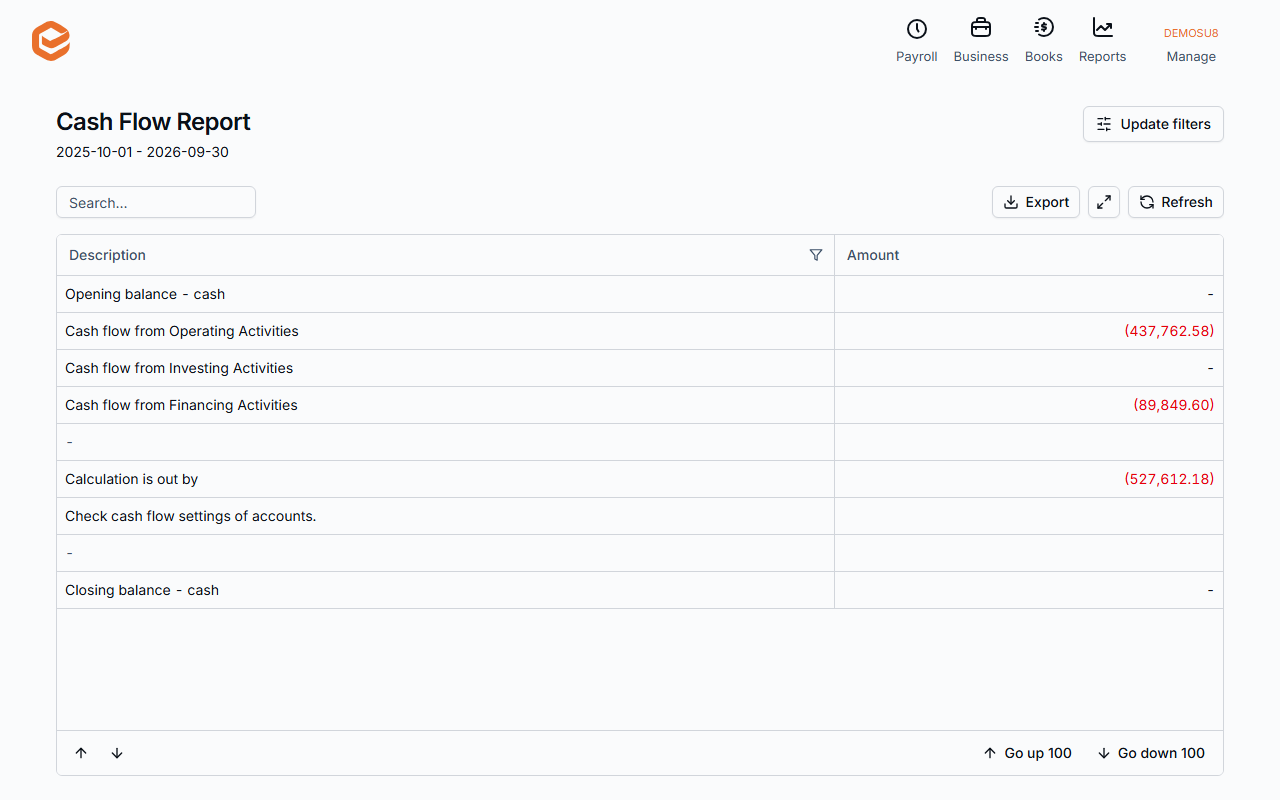
2. Read it
Opening balance - cash, then Cash flow from Operating Activities, Investing Activities and Financing Activities, then Closing balance - cash.
"Calculation is out by"
If the movements do not add up to the change in cash, the report shows Calculation is out by and Check cash flow settings of accounts: an account has the wrong Cash Flow group in the chart of accounts.
Related guides
Checked against Exacc on 9 October 2026. Machine-readable version