Open Business › Tax Docs and the activity statement. Exacc fetches the ATO prefill; click Get data from Accounts to fill GST and PAYG withholding, check the figures, Complete, Validate and Lodge. The status shows when the ATO accepts it. Run the Business Activity Statement report to see the figures behind it.
Before you start
- The business file linked to the ATO (see Link Exacc to the ATO); agents need their practice's subscriber link instead.
- GST registration, cash or accruals and your GST and PAYG cycles in Business Details and General Settings.
- Your books up to date: bank feeds coded, drafts finalised (see Review transactions before you report).
1. Open the statement
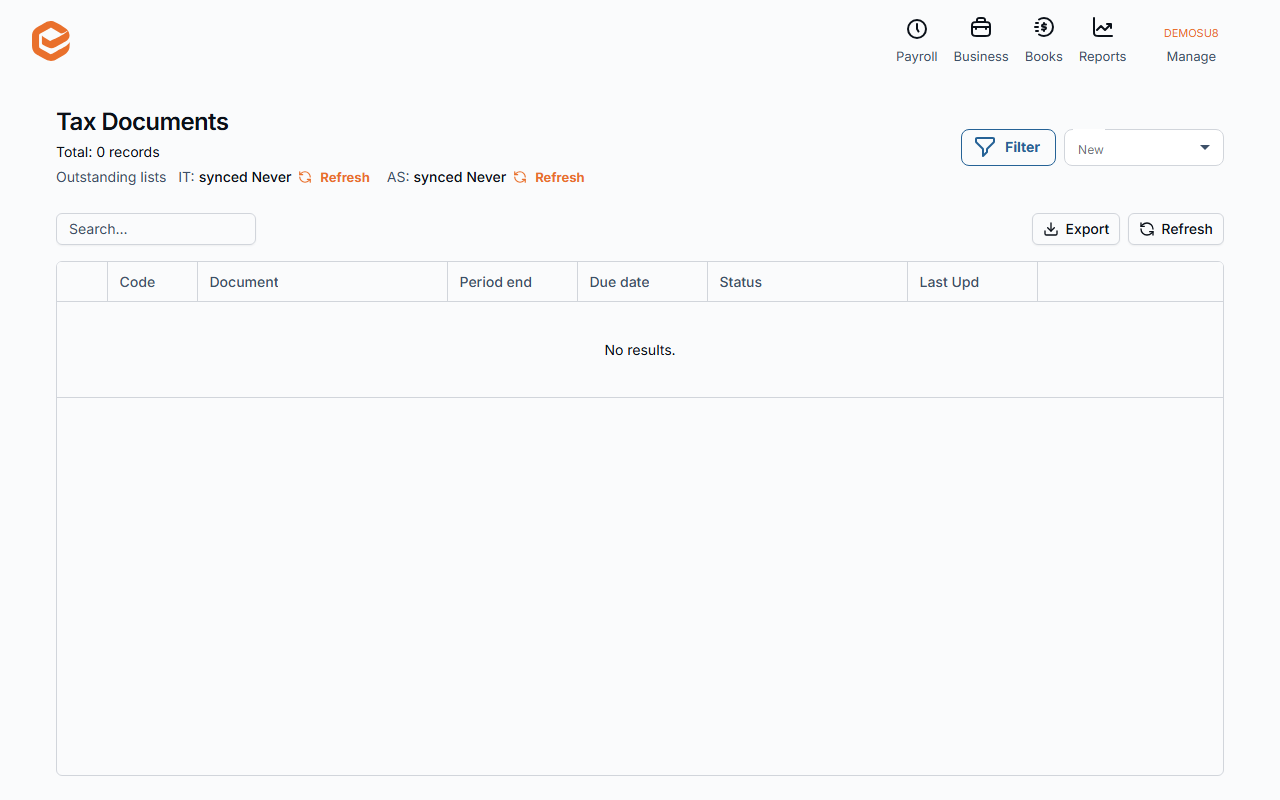
Open Business › Tax Docs (Tax Documents). Activity statements come from the ATO's list of what is outstanding; Outstanding lists asks the ATO for an update. Open the statement: Exacc requests the ATO prefill for it.
2. Fill and check it
Get data from Accounts fills the GST section from your transactions' tax codes for the period, and W1/W2 from your pay events. Check every figure, and enter anything Exacc does not calculate (other PAYG withholding, PAYG instalment, FBT). Save as you go.
The Business Activity Statement report (Reports › Accounting) shows the same figures with the transactions behind them.
3. Complete, validate and lodge
Click Complete, then Validate: Exacc checks it with the ATO. When it is ready to lodge, click Lodge. The status moves to Lodged, then accepted by the ATO or rejected with the ATO's message in History.
Agents can send it to the client first with Request Confirmation (it needs the client's phone and email); tick On confirmation, lodge automatically to lodge once they confirm.
Corrections
Amend on a lodged statement creates a new version to correct and lodge. Reopen takes a statement you have not lodged back to editing.
Lodged elsewhere
A statement you lodged outside Exacc shows as "Lodged outside of Exacc" once the ATO's list updates.
Related guides
Checked against Exacc on 10 October 2026. Machine-readable version