Open Business › Tax Docs › New › TPAR for the financial year. Exacc lists the year's payments per supplier: confirm each payee or mark it Do Not Lodge, then Lodge via SBR, or Download file to lodge via ATO portal and Mark as Lodged. Due by 28 August.
Before you start
- Your suppliers' ABNs and addresses on their contacts, and the year's bills and payments entered.
1. Start the year's TPAR
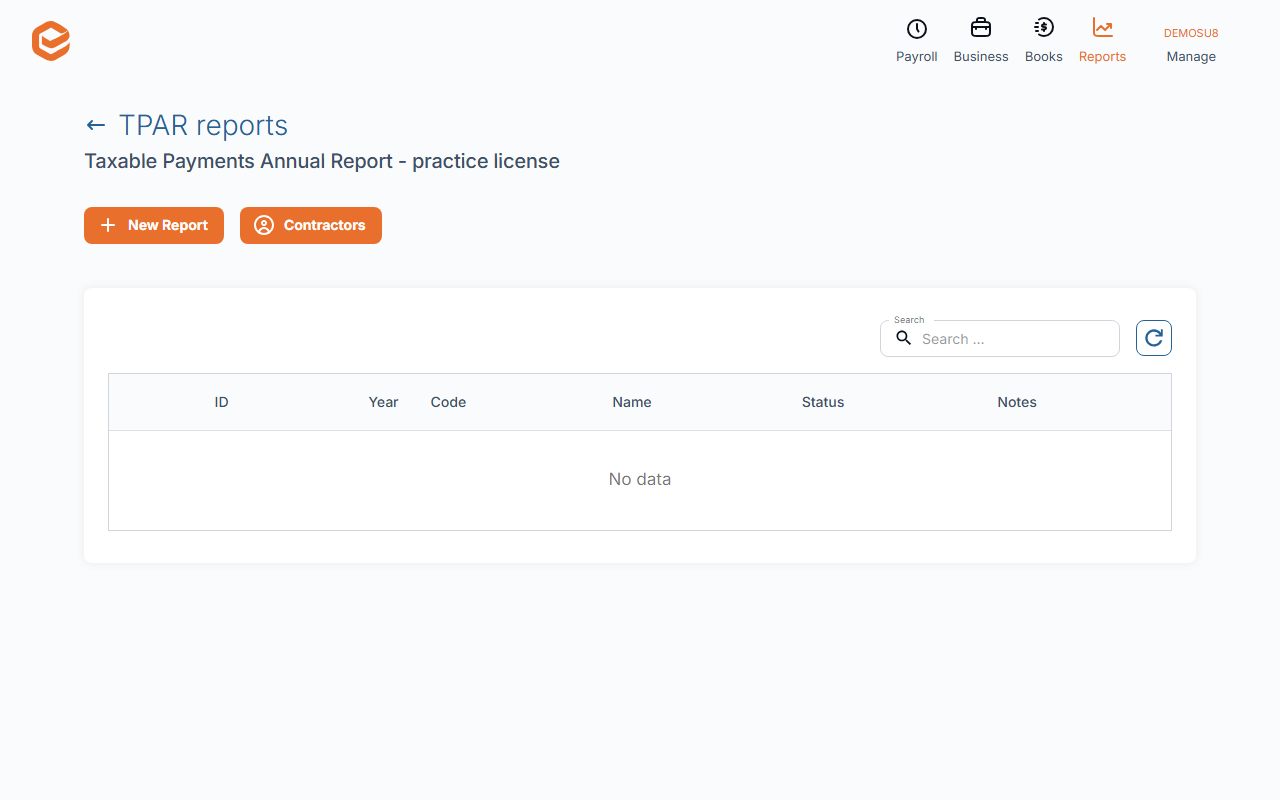
Open Business › Tax Docs, New › TPAR. Exacc collects the year's (1 July to 30 June) payments to suppliers from bill payments and spend-money transactions, one row per payee.
2. Review each payee
Open each payee: check the ABN, name, address and the totals (gross, GST, tax withheld). Set it to Confirmed / Ready to Lodge, or Not to Lodge for payments that are not contractor services. Nothing can be lodged while a payee is still Draft.
3. Lodge
Lodge via SBR › Lodge to ATO sends it straight to the ATO. Or Download file to lodge via ATO portal: enter Your reference, choose Lodge as Business or Lodge as Agent, Get file, upload it in the ATO's portal, then Mark as Lodged with the Lodgement Info.
What Exacc does and does not do
Exacc records the contractor payments you make and produces the TPAR from them. It does not make or process the payments.
Related guides
Checked against Exacc on 10 October 2026. Machine-readable version