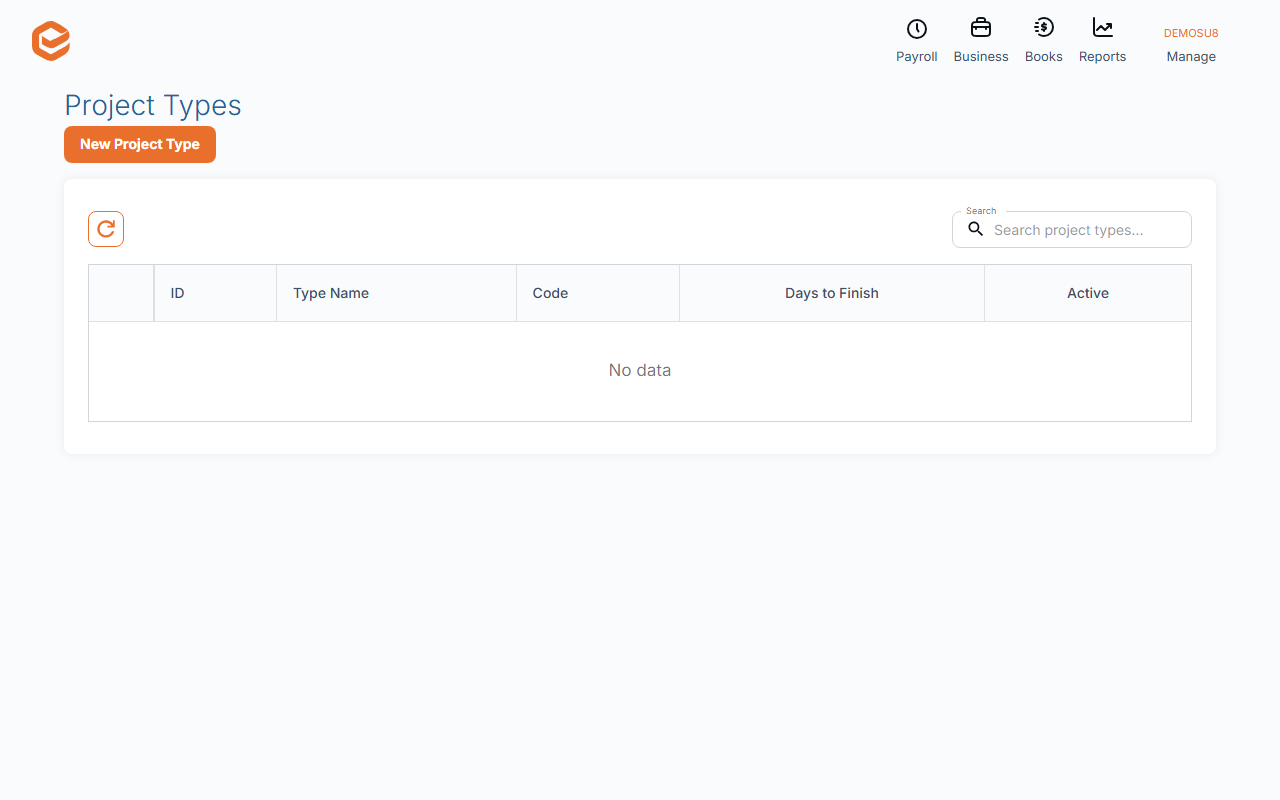
Manage › Project Types sets each kind of project: Type Name, Code, Days to Finish, a default title, brief and client email. Project statuses (New Project Status) have a Name and a category (pending, active or finished) that decides where projects show.
1. Project types
Open Manage › Project Types and add or open a type:
- Type Name and Code (required) - e.g. Tax return, TAX.
- Days to Finish - how long these projects usually take.
- Default Project Title and Default Project Brief - used by recurring projects of this type.
- Email Subject and body - the default client email for recurring projects.
- Active - leave ticked; an inactive type disappears from this list.
2. Project statuses
Project Status - List › New Project Status: a Name and its Type (category). Active ones show on the boards; finished ones close the project. A status in use cannot be deleted.
Types and new projects
Choosing a type on a new project does not fill anything in yet; the defaults are used by recurring projects.
Related guides
Checked against Exacc on 10 October 2026. Machine-readable version