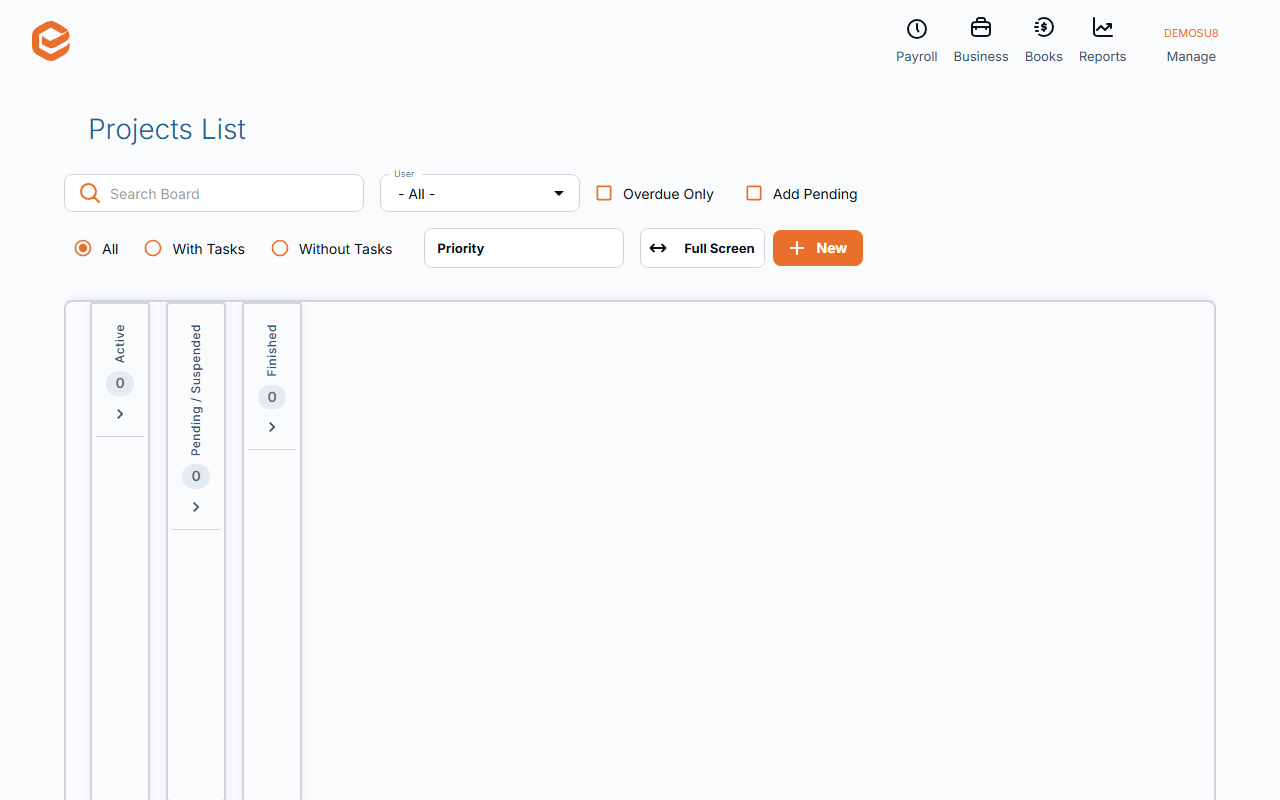
Business › Projects is a board of active projects: drag a card to change its status, filter by User, Priority or Overdue Only. Business › Projects (List) lists them by client, user, type and status. Tasks and Tasks (List) do the same for tasks. Finish a project by moving it to a finished status.
1. The Projects board
Open Business › Projects. Active projects are shown as cards by status; tick Add Pending to include pending ones. Filter by User, Priority, In Focus, Overdue Only and whether they have tasks.
Drag a card to another column to change its status. Each card has New Task and Go to Contact.
2. The Projects list
Business › Projects (List) shows projects with client, type, due date, status, priority, manager and who they are assigned to, filtered by Customer, User, type and Status Category. To Excel exports it; each row has Open Project, Add new Task and Go to Client.
3. Tasks
Business › Tasks is the same board for tasks (pending and active), and Tasks (List) lists them. Reports › Sales has Projects List and Project Tasks List.
4. Finish a project
Move it to a status in the finished category: it leaves the board but stays in the lists. Projects cannot be archived, copied or deleted from the board.
Billing the work
Time recorded against a project's tasks is invoiced with Invoice from timesheets, by client and date.
Related guides
Checked against Exacc on 10 October 2026. Machine-readable version