Open Manage › Configuration › Payment Methods and click New. Give the method a Name, choose its Default Account (the bank or clearing account the money goes to) and save. When you record a payment on an invoice or bill, choosing the method fills in that account; you can still change it.
Before you start
- Permission to manage payment methods (viewing the list needs view access only).
1. Open the list
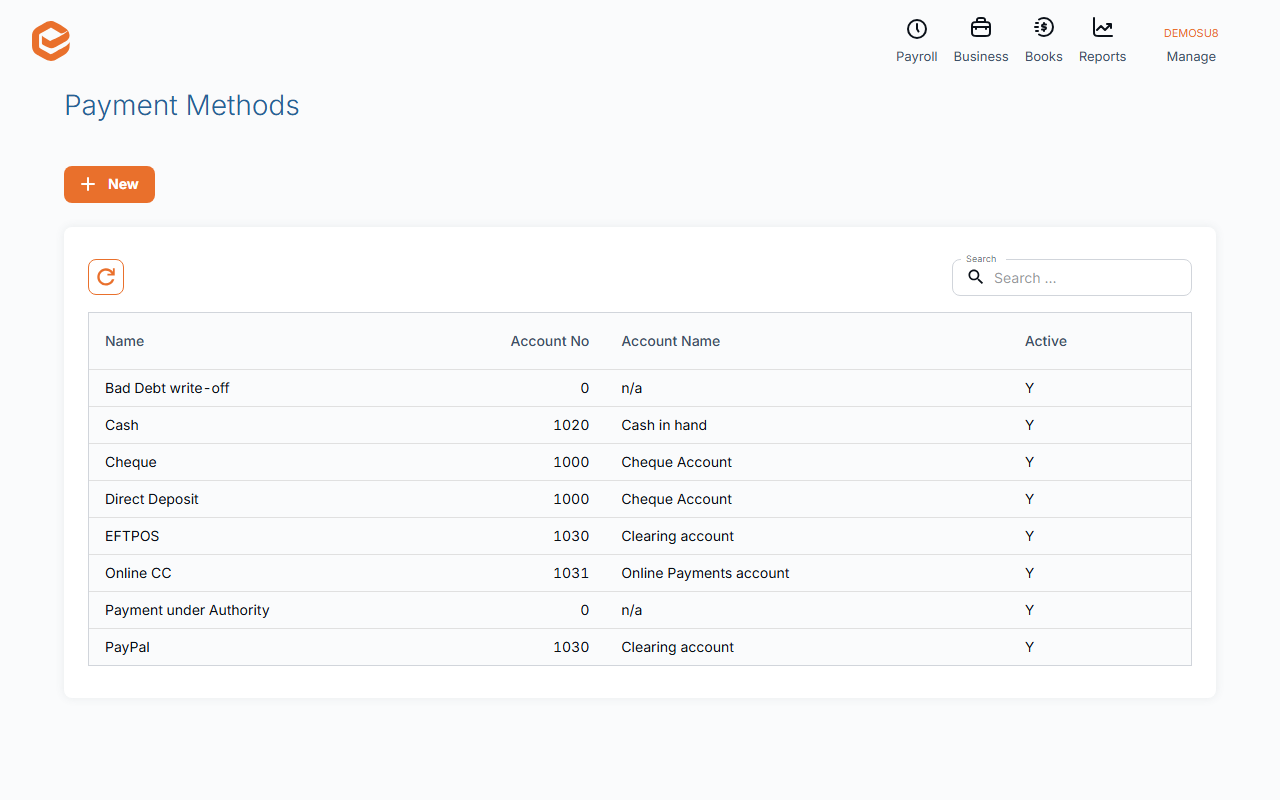
Open Manage › Configuration › Payment Methods. The list shows each method's Name, Account No and Account Name; search finds a method as you type. Click a row to edit it.
2. Add a method
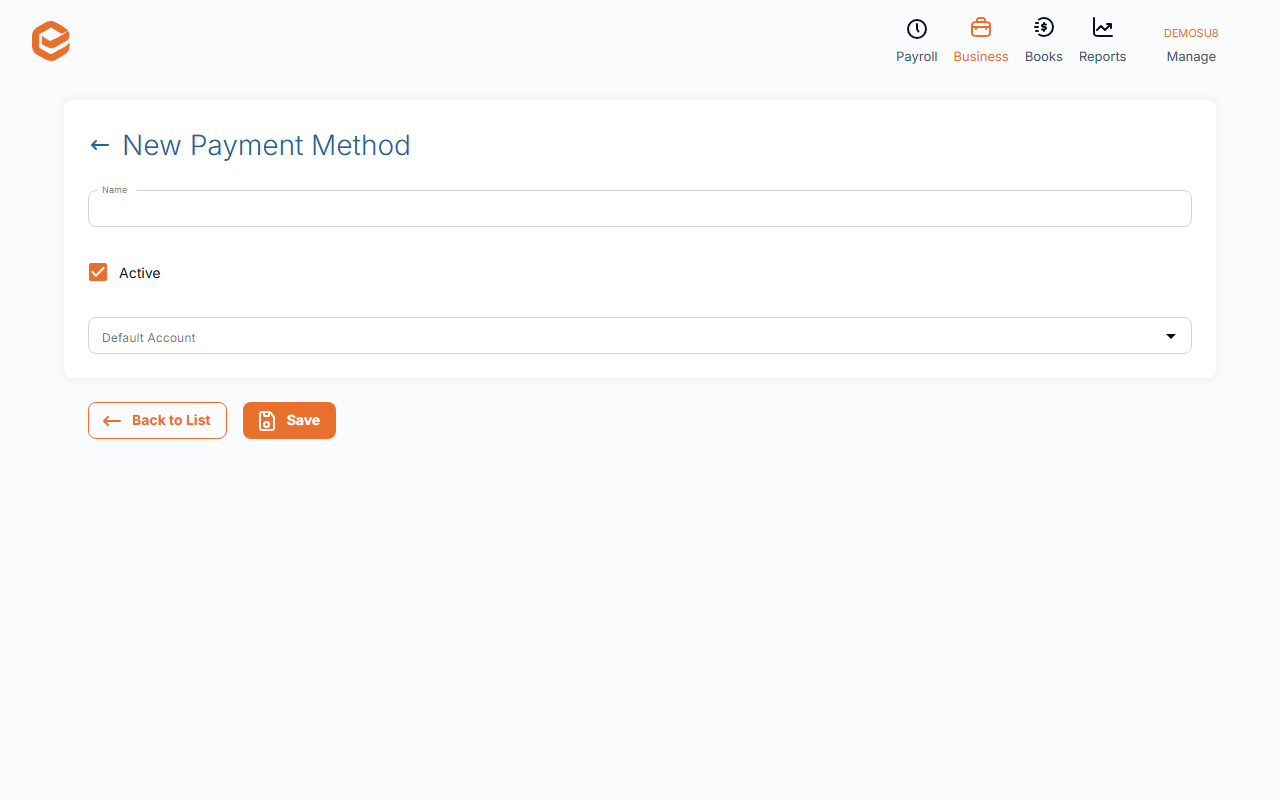
Click New (New Payment Method):
- Name (required) - what you will pick on a payment, e.g. EFTPOS or Direct Deposit - CBA.
- Default Account (required) - the account the money is recorded in: a bank account, or a clearing account for card and EFTPOS takings.
- Active - ticked for new methods. Untick to stop offering it on new payments.
3. Save
Click Save ("Payment Method created successfully"). To change one later, open it, edit and click Update.
Where methods are used
A payment method is chosen whenever you record money in or out:
- Payments on invoices and bills: the method fills in the account; only active methods are offered.
- Quick payments, which post straight to the method's account (the method must have an account).
- Stripe card payments (Business Details › Online Payments, "Payments will be recorded as") and trust account fees.
- Bank feed matching, which picks the method whose account is the feed's bank account.
Deleting and deactivating
Open the method and click Delete. A method already used on a payment cannot be deleted. Before deleting, check it is not the method chosen for Stripe payments or trust account fees.
An inactive method drops out of the list, so deactivate only methods you are finished with.
Writing off a bad debt
Exacc does not have a bad debt write-off yet. Do not record a payment with a "Bad Debt write-off" method: a payment never adjusts GST, so the GST on the sale stays reported (and on the cash basis Exacc treats it as money received). Ask your accountant how to record it, or email [email protected].
Related guides
- Record a customer payment
- Record a bill payment
- Payment terms
- Take card payments with Stripe
- Set up your chart of accounts
Checked against Exacc on 10 October 2026. Machine-readable version