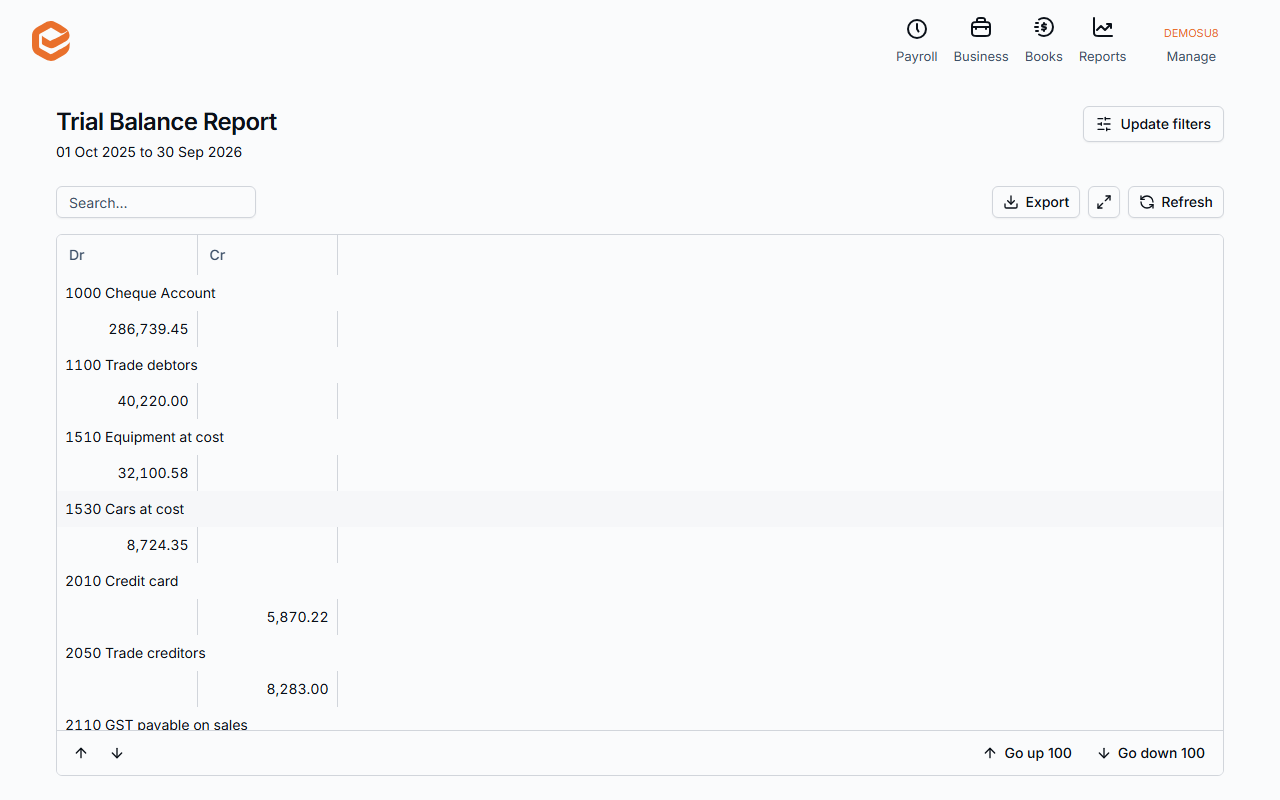
Open Reports › Trial Balance, click Update filters, choose the period and click Apply filters. Every account shows its debit or credit total, with a Retained Earnings line. Export saves it to Excel.
1. Run it
Open Reports › Trial Balance, click Update filters, set the dates and click Apply filters.
2. Read it
Each account shows its debit (Dr) or credit (Cr) total; the totals must agree. Exacc adds a Retained Earnings line for profits of earlier years. The Trial Balance is always on the accruals basis and covers all sites and contacts.
3. Export
Export › Export to Excel downloads it.
Related guides
- General Ledger and journals reports
- Balance Sheet report
- Cash flow reports
- Export a report to Excel or PDF
Checked against Exacc on 9 October 2026. Machine-readable version