Open Business › Trust Account › Transactions for the trust account's history (finished transactions, with the opening balance, filtered by Contact if you like). Find by reference searches descriptions and notes; Jobs List reports jobs by status, type, client and date.
1. Transactions history
Open Business › Trust Account and click Transactions (Trust Account - Transactions History): the opening balance, then each finished deposit and payout. Choose a Contact to see one client's.
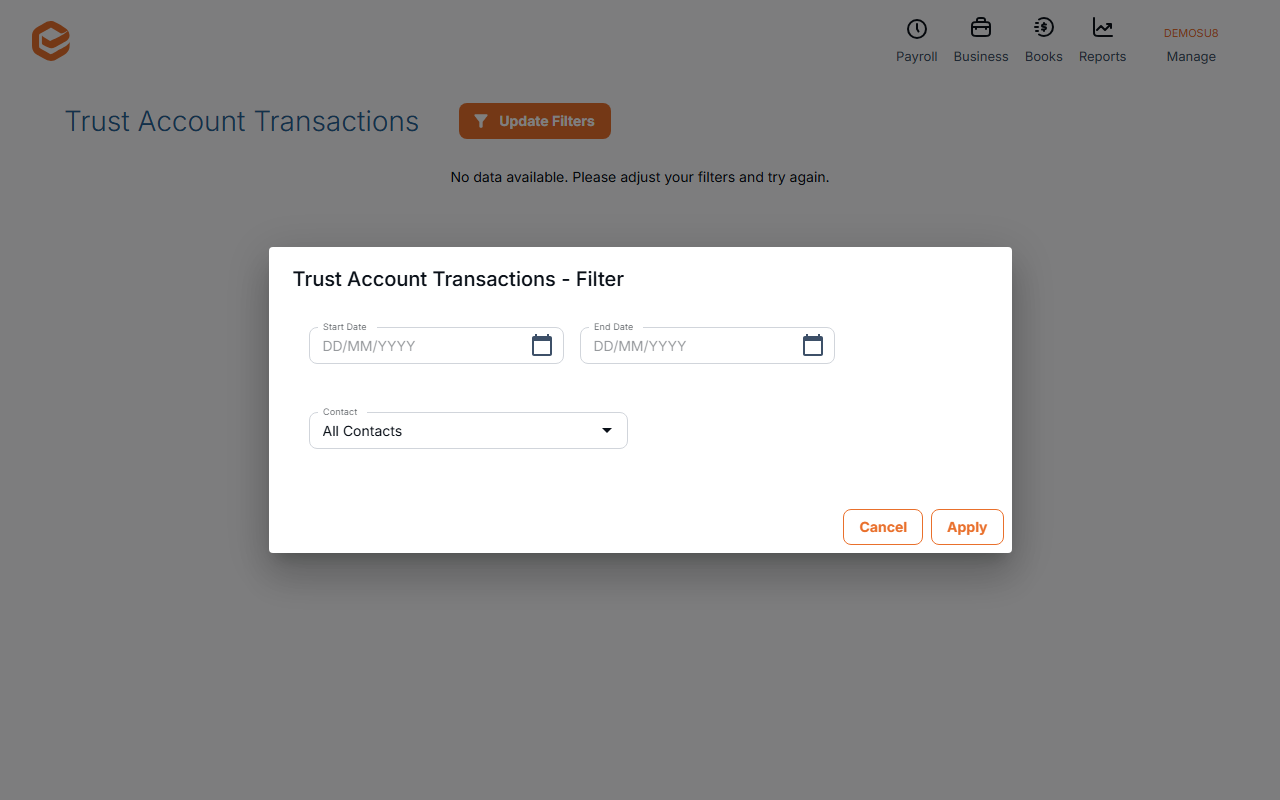
2. Find a transaction
Find by reference searches your bank description, the client description and notes.
3. List jobs
Jobs List (Trust Account - Jobs List Report) lists jobs by Status, Type, Contact and dates.
Reconciling the trust account
There is no trust reconciliation screen. Compare the closing balance in Transactions with your trust bank statement for the same date.
Related guides
Checked against Exacc on 10 October 2026. Machine-readable version